A screen app fordaily work.
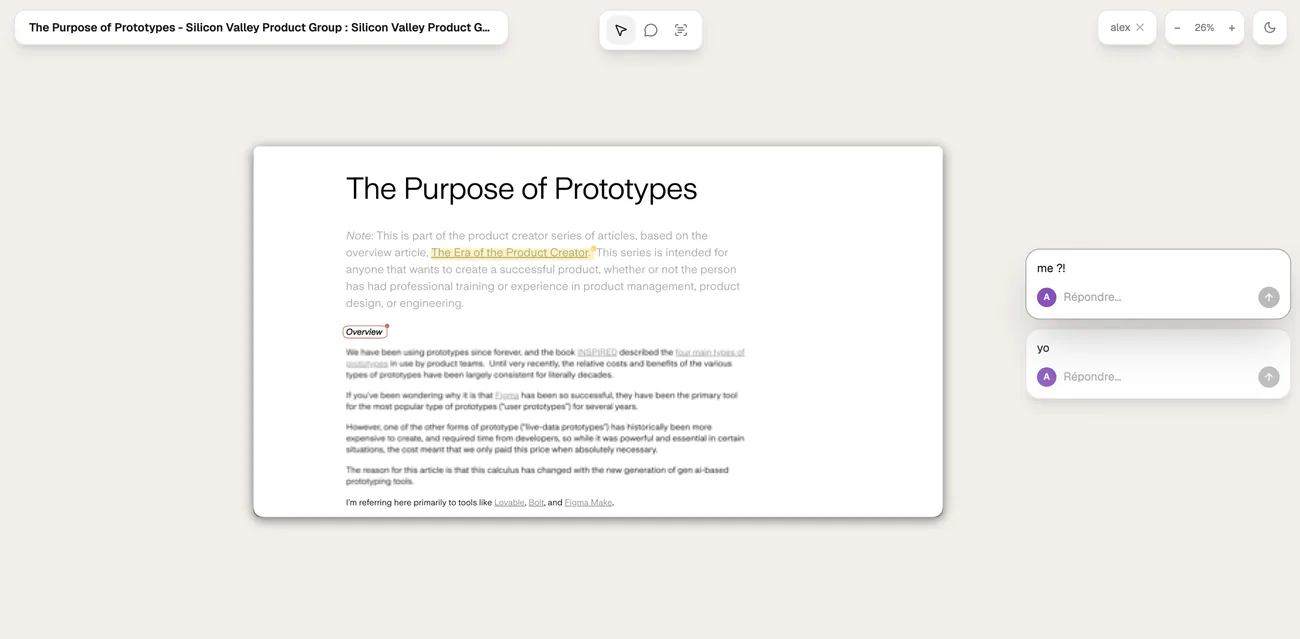
From your screen to their chat before you’ve typed the message.
Your Mac already takes screenshots.
What comes next is the slow part.
Here, you mark it up and send it in seconds.
Taking a screenshot shouldn't be a paid feature.
A great screen app shouldn't cost money.
Most days, you just need to answer a question.
Some days, it has to look good.
That's free too, and nothing is held back.
Let go, and it’s
already on your clipboard.
- A region, a window, or a page that scrolls on and on
- Paste it in the chat — no save dialog in the way
- Keep the ones that matter. The rest tidy themselves up
Say it once.
It zooms where you click.
- No second pass to add the zooms — they’re already there
- Your face and your voice, right on time with the screen
- The link works while it’s still rendering
For the days it
has to look good.
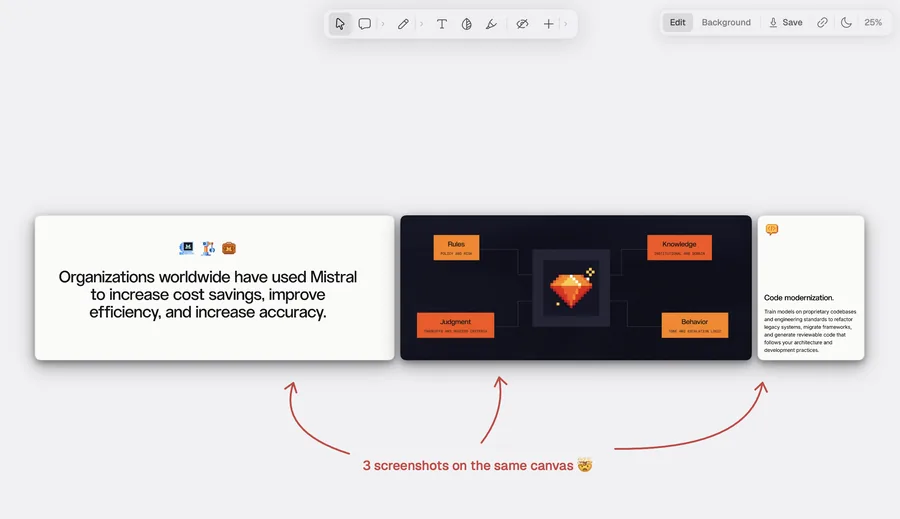
- Tilt it, move in close, or tuck it into a corner
- A backdrop that borrows the shot’s own colours
- Glass or a thin border, and it’s done
The app is free.There's no watermark to buy off.
Every feature, no watermark, no account.
 Download for Mac
or €1.99 / month, cancel anytime
You already have the whole app. Right now, you’re just chipping in — and this is what it goes to.
It also covers the share links we host for you, and export at 2K and 4K.
Become an AmbassadorSign in from the app and it's done.The next thing you need to showis already on your screen.
Questions, answered.
Do I need an account?
Not to capture, annotate, record or paste. Download it, hit the shortcut, and that is the whole setup. Signing in only comes up the day you make a share link.
Where do my captures live?
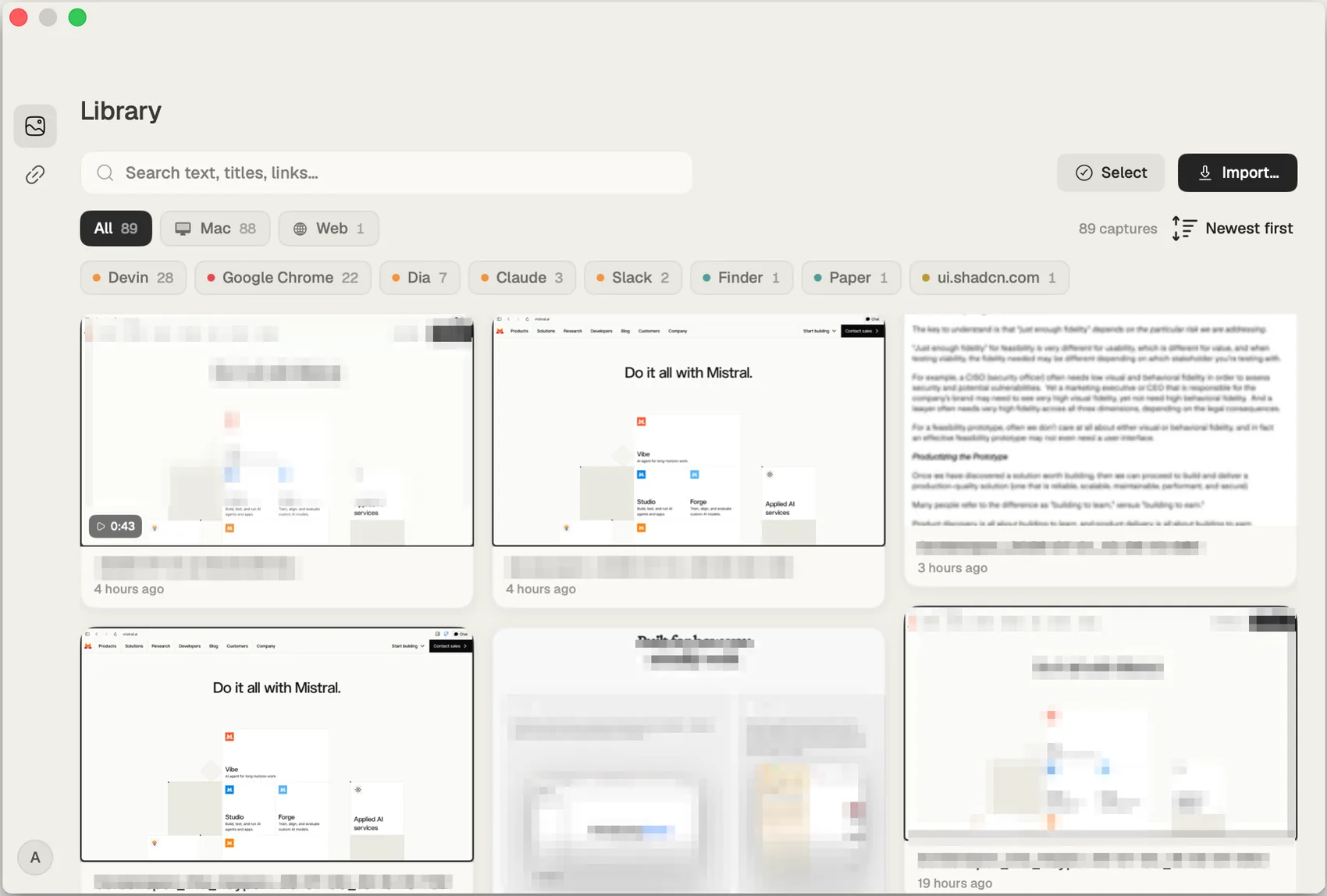
On your Mac, in the library — searchable, and yours to export whenever. A capture only becomes a link when you make one.
How is it different from Screen Studio or CleanShot?
Those are great tools for one job each. Screenspot covers the everyday loop — screenshot, scrolling capture, recording, annotation and an instant share link — in one lightweight app.
Which Macs does it run on?
macOS 14 or later, Apple silicon and Intel. Download the DMG, drag it to Applications, done.
What costs money?
Nothing you capture. There is no watermark on anything, for anyone. Ambassador is 9.99 EUR once — it covers the share links we host for you, 2K and 4K export, and keeps an independent app independent.